Write stories your readers can play.
Build visual novels and interactive fiction in your browser. Map your branches, give it a look, and share it with a link. No code needed.
How it works
Four steps from a blank page to a story someone can play.
- 1
Pick a kind of story
A visual novel in portrait, landscape or box, or interactive fiction that reads like a book.
- 2
Write and branch
Write passages, then connect them with choices on the Story Structure map.
- 3
Give it a look
Visual novels get Classic or Comic looks, characters and backgrounds. Interactive fiction gets Bookish or Paper White.
- 4
Publish and share
Share a link, embed it on a website, or download the project file.
How it looks
Real stories made in StoryMate, and the editor they were made in.
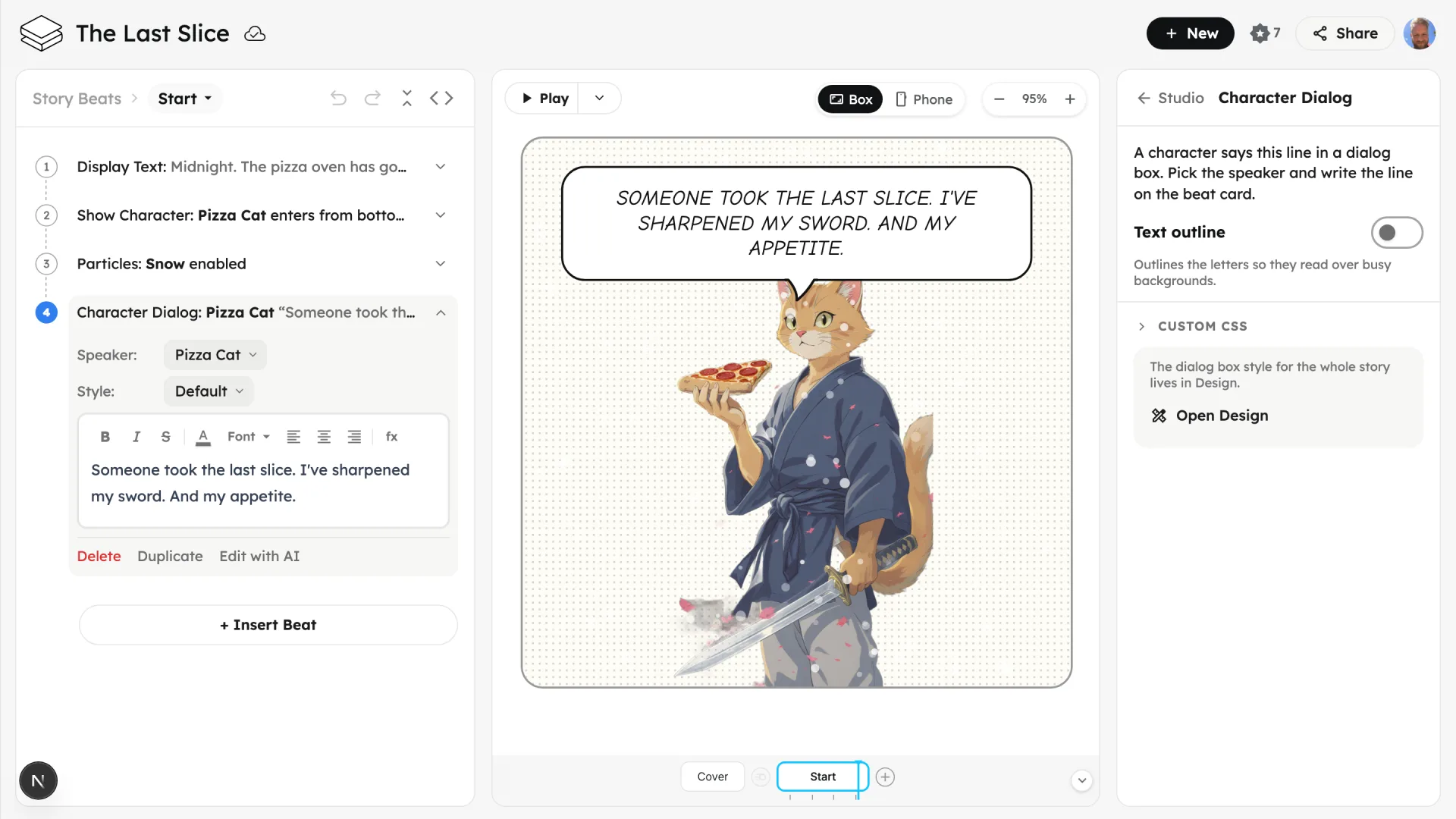
Make it a comic
The Comic look: speech bubbles and caption boxes, here in the Box shape.
Everything a branching story needs
Simple to start, with plenty of room to grow.
A calm page to write
Interactive fiction is written like a document, with links where the choices go.
Story Structure map
See every passage and choice at once. Drag to arrange, click to connect.
Visual novel looks
Classic or Comic, in portrait, landscape or box.
Characters and backgrounds
Start with ours or upload your own art.
Choices that remember
Variables and conditions, so what a reader picks early changes what they see later.
Publish, embed, download
A link to share, code to embed it on a website, or the project file to keep.
Where it comes from
From a game studio to a story studio
StoryMate comes from the team behind Gamefroot. We took what game designers use to plan branching narratives and built it into a tool for writers.
Teaching writing?
We're piloting StoryMate with New Zealand schools: reading lessons built from your own texts, writing guides, and a class dashboard.
Made in Aotearoa New Zealand by writers, game designers and educators.